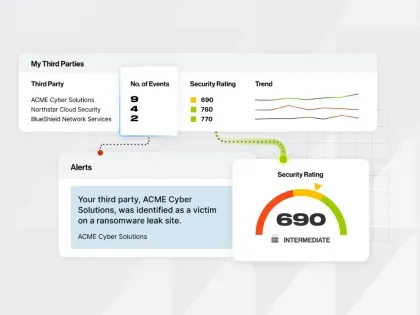
AI is making it easier than ever for threat actors to find and exploit vulnerabilities. And with attack surfaces and supply chains rapidly expanding at the same time, security teams need faster ways to access cyber risk intelligence and act on emerging threats.
Bitsight AI Mode and MCP — two new Bitsight AI capabilities — help make that possible through conversational AI and agentic workflows.
This 90-day guide shows you how to get started with these new features, while moving beyond just exploring new capabilities to building repeatable workflows that support your daily security operations.
New AI capabilities for unlocking cyber risk intelligence
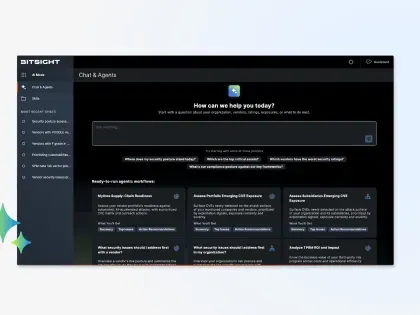
Bitsight AI Mode brings conversational AI directly into the Bitsight platform. Teams can now chat with Bitsight AI and ask questions about vulnerabilities, security findings, vendors, and emerging threats, and then explore and expand on the results with follow-up prompts and questions.
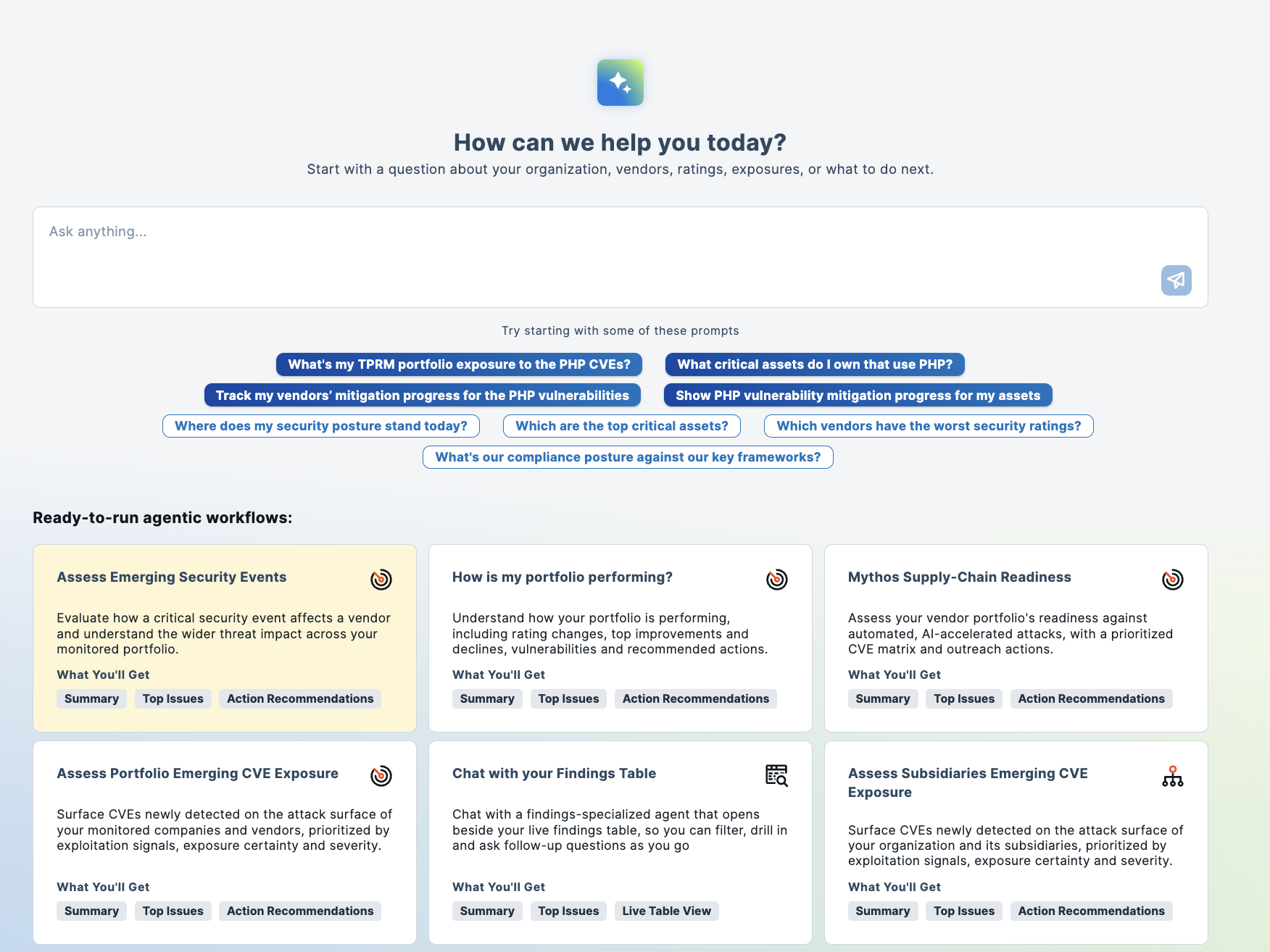
AI Mode also includes preconfigured agentic workflows for common use cases. For example, the Mythos Supply Chain Readiness workflow helps your team assess vendor exposure, while the TPRM ROI and Impact workflow helps you evaluate the performance and business value of your third-party risk management programs.
Bitsight MCP (Model Context Protocol) connects Bitsight intelligence to external AI tools such as ChatGPT, Claude, and Microsoft Copilot. This allows teams to incorporate Bitsight data into their existing workflows, such as digging into security alerts or identifying vendors affected by an emerging vulnerability.
Days 1–30: Explore and experiment
Your first month with AI Mode and MCP is all about becoming familiar with how they work and how they can help with your everyday tasks.
With AI Mode, start by dedicating 15 minutes each week to experimenting with prompts. A good first security question could be "which critical security findings should our organization address first, based on vulnerability severity, known threat actor activity, and exposed assets?"
Then ask a follow-up question to deepen the investigation, such as: "How many instances of these findings are present across our organization, and which affected assets should we prioritize?"
You can start experimenting with preconfigured workflows, too. If you want to know about your PHP exposure, try the Assess Emerging Security Events agent. If you’re curious about your own security performance, run the “How is my portfolio performing?” agent.
With MCP, you can start by confirming your access permissions, connecting an approved AI assistant like Claude or ChatGPT, and testing with your everyday tasks for questions. For example, you could ask Claude: "Which vendors in my portfolio experienced a security rating decline over the past 30 days?"
Claude will answer using Bitsight cyber risk intelligence. Compare the responses with your existing Bitsight data, then refine your prompts to get the answers you need.
By day 30: You'll be comfortable using AI Mode and MCP to explore Bitsight intelligence, and start finding more ways to use it in your role.